
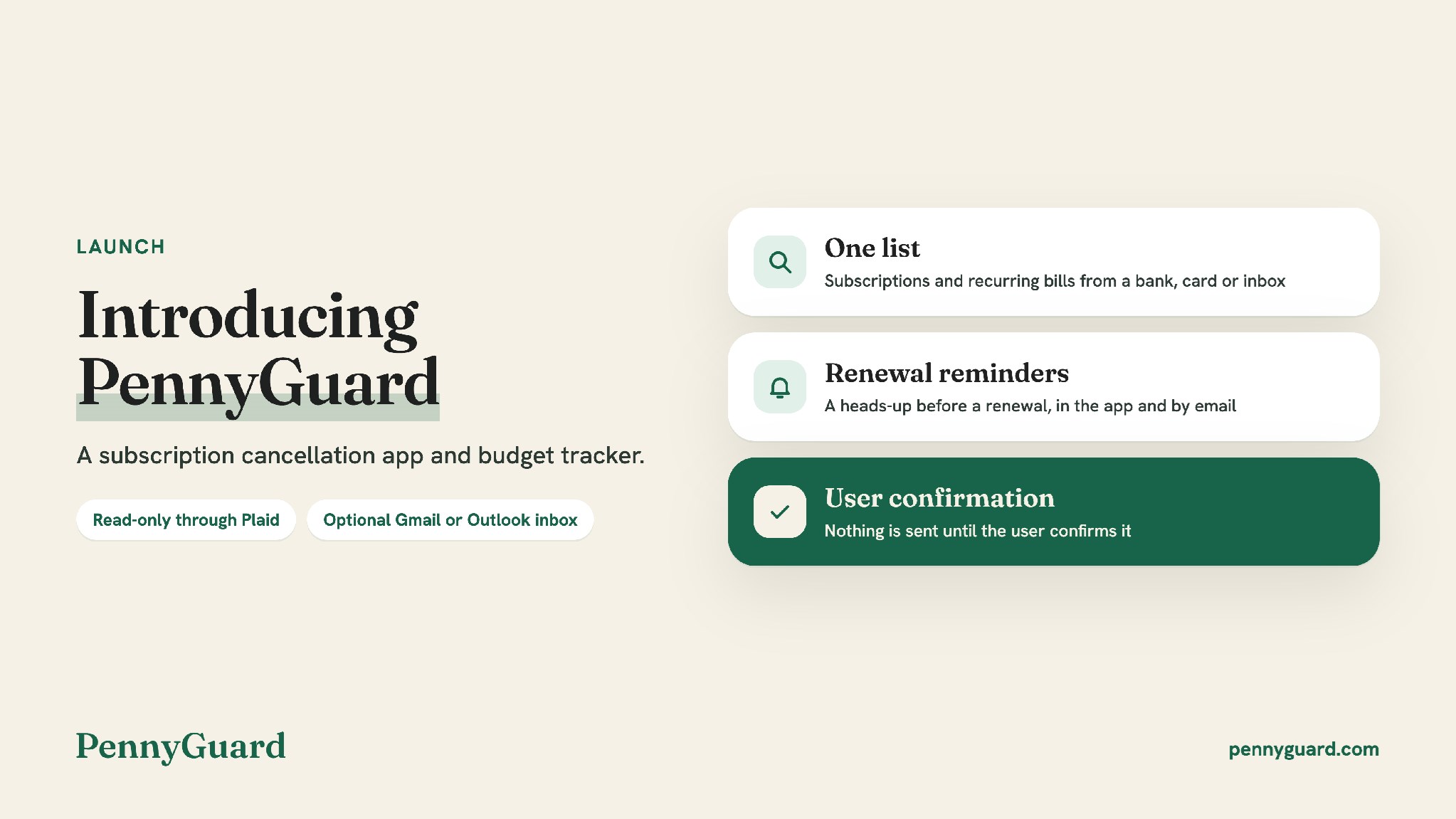
Paphos, Cyprus--(Newsfile Corp. - November 5, 2026) - PennyGuard has launched a subscription cancellation app and budget tracker. Users connect a card or bank through Plaid and, if they choose, a Gmail or Outlook inbox. PennyGuard then lists their subscriptions and recurring bills, shows what they spend each month and prepares the next step, such as a cancellation or a refund request. Nothing is sent until the user confirms it.
To view an enhanced version of this graphic, please visit:
https://images.newsfilecorp.com/files/8111/322464_a23edc15345c68b6_001full.jpg
Subscriptions and recurring bills in one list
PennyGuard is built for people who pay for a mix of services, such as streaming, music, a gym membership and a phone plan, often across more than one card or account. Each service is convenient on its own. Keeping track of them together means checking statements, receipts and renewal emails in different places.
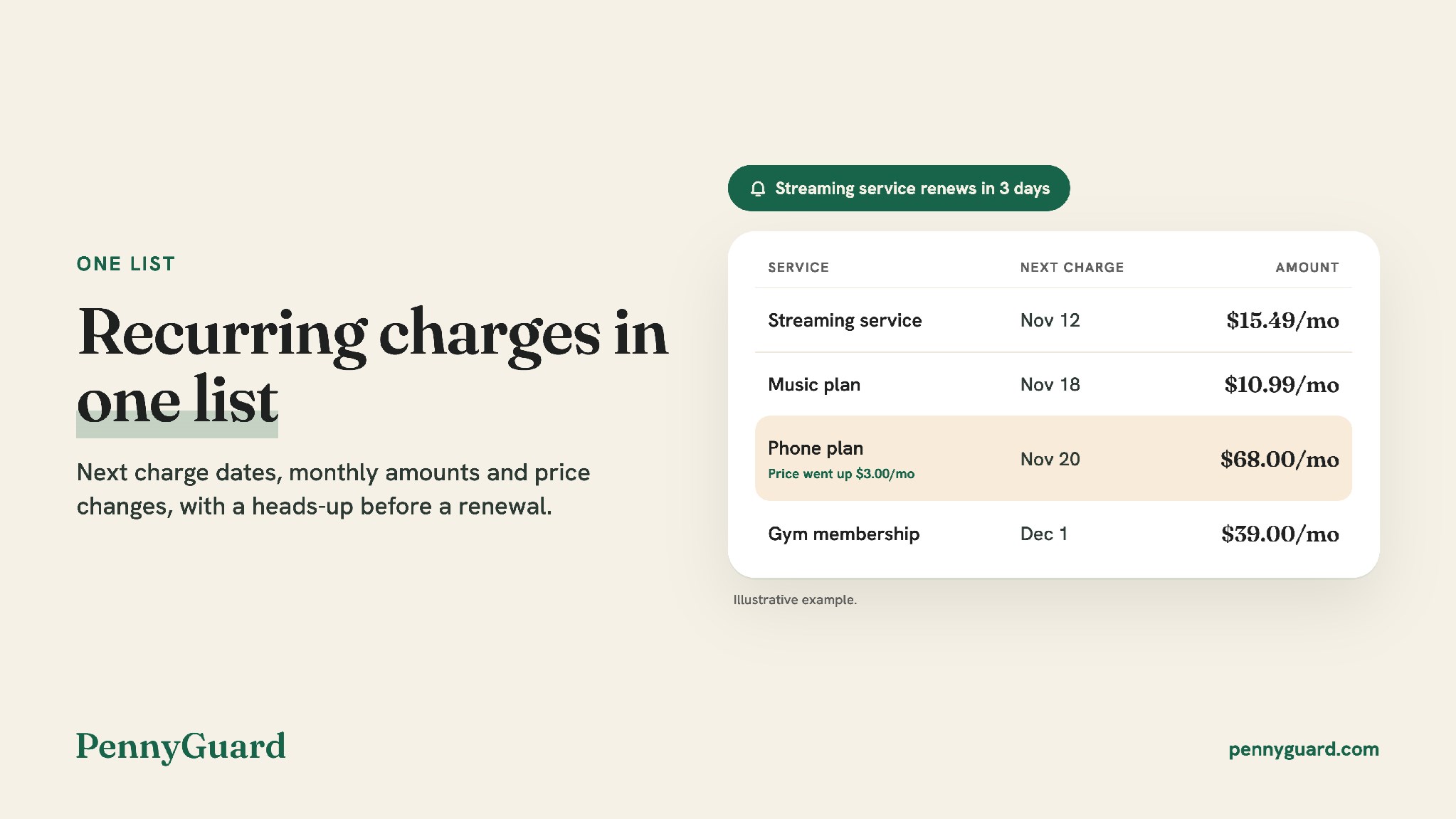
PennyGuard finds subscriptions and recurring bills in the transactions from a connected bank or card. A connected inbox adds renewal notices and receipts that are easy to miss on a statement. Users confirm which subscriptions are theirs, add services themselves when they want to, and can connect another bank, card or inbox at any time so charges from a second account appear in the same list.
Opening a subscription shows its next billing date and its past charges. PennyGuard also shows what the user spends each month.
A reminder before a renewal
Upcoming charges are listed before they renew. PennyGuard sends a heads-up ahead of a renewal, in the app and by email, so users can decide in time whether to keep a service. When the price of a subscription goes up or down, the change is shown next to it.
To view an enhanced version of this graphic, please visit:
https://images.newsfilecorp.com/files/8111/322464_a23edc15345c68b6_002full.jpg
The next step waits for the user's confirmation
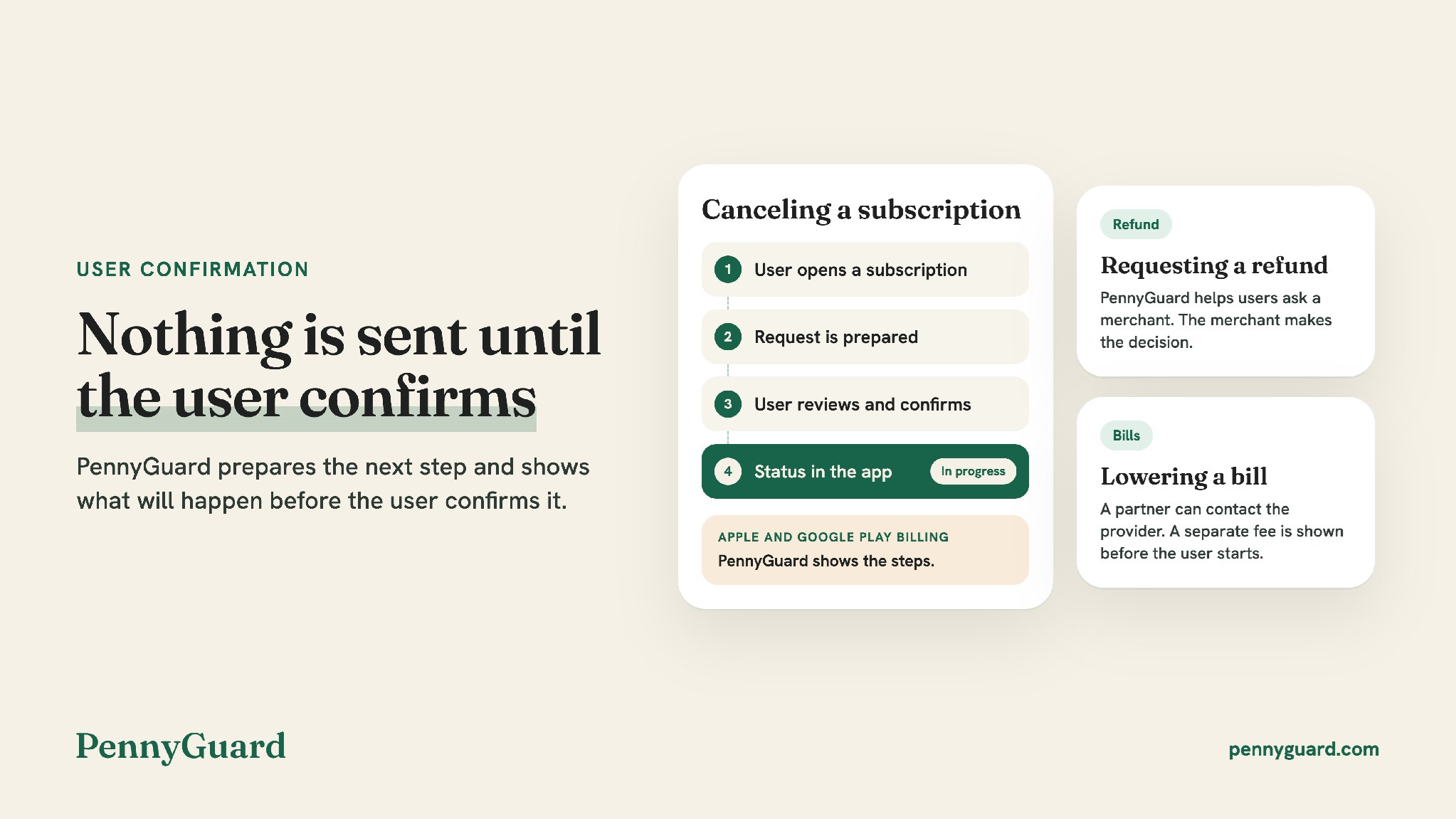
When something needs action, PennyGuard prepares the next step and shows what will happen before the user confirms it. For supported services, users can choose Cancel for me, and PennyGuard sends the cancellation request, for example as an email from the connected inbox. Subscriptions billed through Apple are canceled in iPhone or iPad settings and Google Play subscriptions in the Play Store, and PennyGuard shows the steps.
PennyGuard also helps users ask a merchant for a refund, and the merchant makes the decision. To lower a bill, a partner can contact the provider on the user's behalf. This service has a separate fee, shown before the user starts. Each request shows its status in the app. The final outcome is up to the merchant or provider, and results are not guaranteed.
To view an enhanced version of this graphic, please visit:
https://images.newsfilecorp.com/files/8111/322464_a23edc15345c68b6_003full.jpg
Read-only access, with the user in control
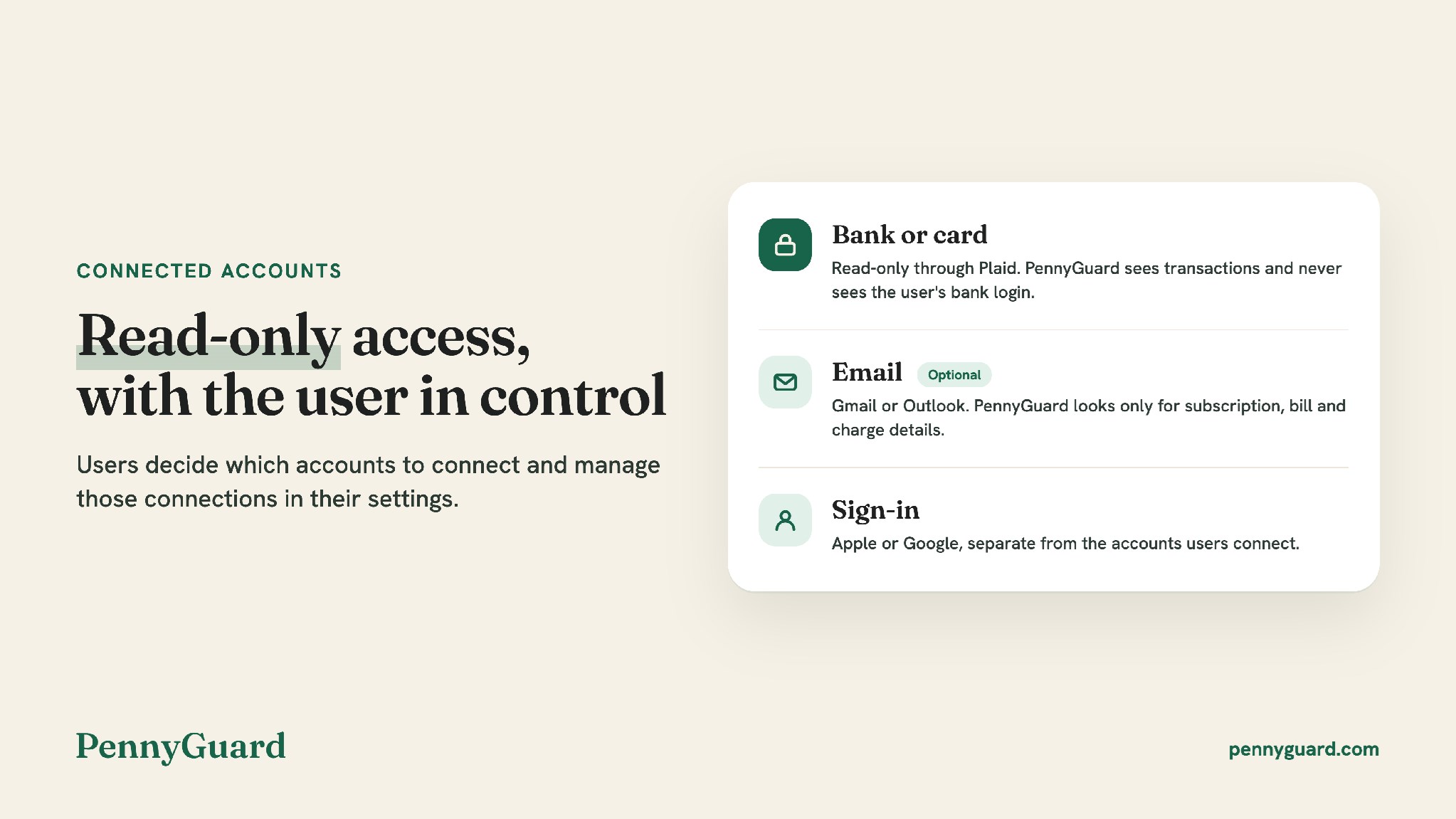
Bank and card connections go through Plaid with read-only access. PennyGuard sees transactions and never sees the user's bank login. Users sign in with Apple or Google, and signing in is separate from the accounts they connect.
Connecting an inbox is optional. PennyGuard looks only for subscription, bill and charge details and does not store the full content of emails. An email goes out from the user's inbox only when the user asks for it in the app. Users decide which card, bank and email accounts to connect and manage those connections in their settings.
To view an enhanced version of this graphic, please visit:
https://images.newsfilecorp.com/files/8111/322464_a23edc15345c68b6_004full.jpg
Learn more at pennyguard.com and see how PennyGuard works.
About PennyGuard
PennyGuard is a subscription cancellation app and budget tracker provided by PENNYGUARD LIMITED. Users connect a card or bank through Plaid with read-only access and, if they choose, a Gmail or Outlook inbox. PennyGuard lists subscriptions and recurring bills, shows monthly spending and sends a reminder before renewals. It prepares next steps such as a cancellation, a refund request or help lowering a bill, and nothing is sent until the user confirms. PennyGuard is not a bank and does not give financial advice.
Media contact
PennyGuard PR Team
PENNYGUARD LIMITED
support@pennyguard.com
https://pennyguard.com
To view the source version of this press release, please visit https://www.newsfilecorp.com/release/322464
Source: GRW